Why a concert ticket screenshot scam works
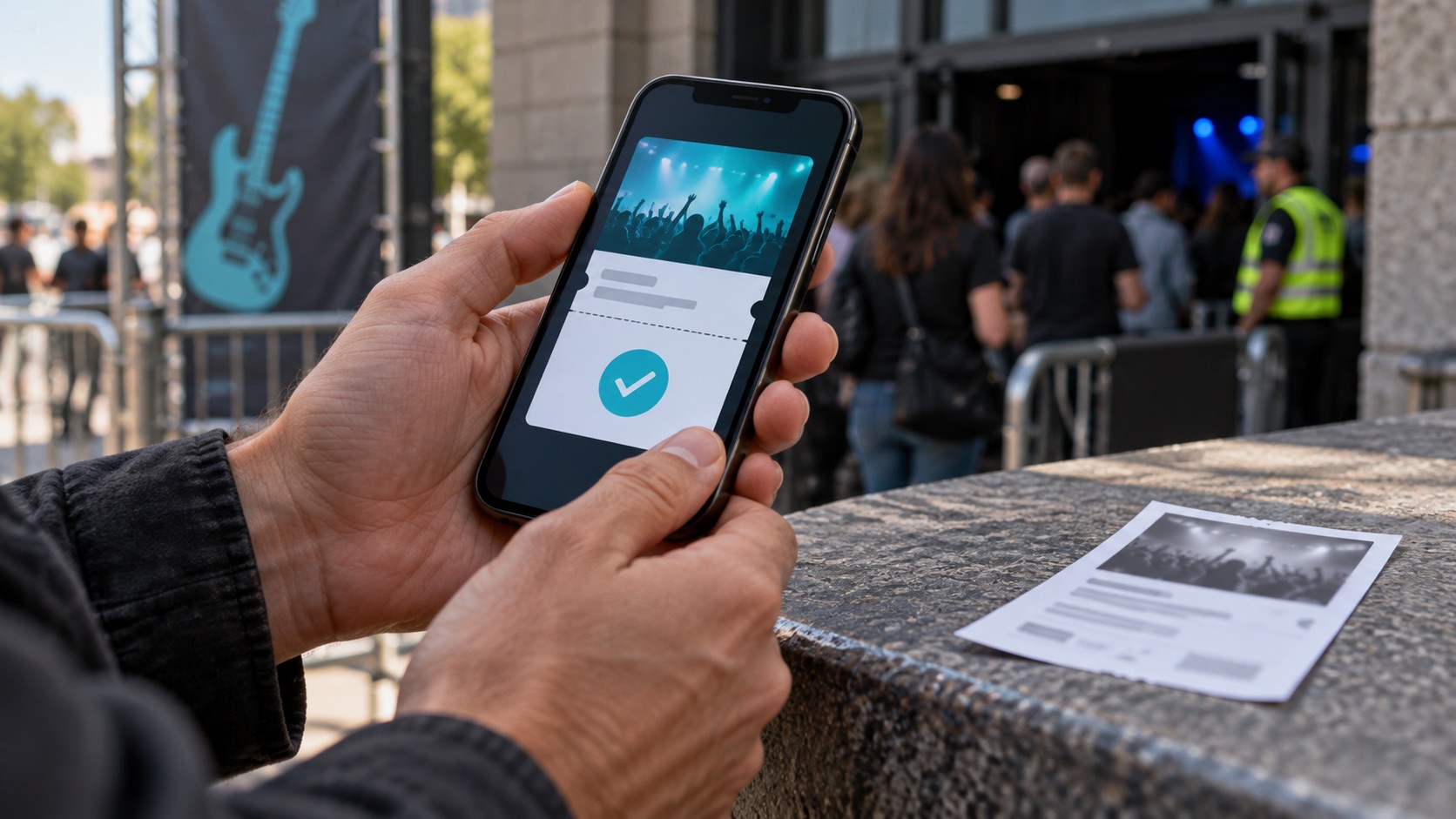
A concert ticket screenshot scam succeeds because the image feels like evidence. It shows the right venue, date, section and row, maybe a barcode. To someone hunting for a sold-out show, that looks convincing. But an image cannot tell you whether the seller still controls the ticket, has already sold it to someone else, is allowed to transfer it, or edited the picture.
A screen recording does not fix this. In one Reddit thread, a buyer described nearly being scammed over sold-out concert tickets, noting pressure, screenshots and a refusal to use protected payment; replies pointed out that videos can be fabricated too [R1]. That is a single community anecdote, not a measure of how common the tactic is, but the logic holds. A watermark, a matching name or a scrolling video still shows only pixels, not ownership.
- An image shows appearance, not ownership or transferability.
- One screenshot can be sent to many buyers.
- A seller's name on screen is unverified, not authentication.
Start with the issuer and authorized resale channels
Before talking to any private seller, find the event yourself. Type the artist's or venue's address directly or use a bookmark rather than following a link from the seller. Confirm the date, venue, start time and which company issues tickets. Note whether the event page names an official resale option or restricts resale.
Buying through the issuer or an authorized resale channel is generally the stronger choice, because the purchase sits inside that platform's own rules and records. A private deal arranged on social media puts you outside that structure even if the ticket later moves through the issuer's app. The official details also give you a benchmark: if a listing describes a section the seating map lacks, a date off the tour schedule, or a format the issuer does not use, stop there.
- Navigate to official artist and venue pages yourself.
- Check for an official or authorized resale option first.
- Compare listing details against the official seating map.
Check transfer eligibility and the exact ticket type
Not every ticket can be moved between accounts. Some are mobile-only, some delay transfers until close to the event, some are tied to the purchaser, and some cannot be transferred. Rules differ by issuer and event, so read the event page and the issuer's help pages, and ask the issuer directly if anything is unclear.
Pin down what you are buying in writing: general admission or reserved seat, section, row, seat, any age or accessibility restriction, and any package extras. Ask which platform will send the transfer. Seeing the ticket appear in your own account is a meaningful check, much stronger than a PDF, forwarded email or image. It is still not a guarantee: ask the issuer whether tickets received by transfer from an individual carry any refund rights, and whether a transferred ticket can later be affected if the original order is disputed or cancelled.
- Confirm with the issuer whether this ticket type is transferable, and when.
- Ask the issuer what refund rights, if any, apply to transferred tickets.
- Do not accept a file or picture in place of a platform transfer.
Read the actual payment protection terms, not the logo
Sellers sometimes claim a payment is protected because a familiar app is involved. A logo is not a promise. Payment apps, card issuers and marketplaces set their own terms, which can depend on whether you pay as a purchase or a personal transfer, whether the seller is a business, and how fast you report a problem.
Read the terms for the exact method and payment type you would use, and if coverage for buying tickets from an individual is unclear, ask your bank or app before sending money. Keep this protection in place even after a transfer appears, since the transfer and the payment are separate safeguards. A seller who refuses every protected option and pushes for something irreversible is shifting all the risk onto you, the same pattern the Reddit poster flagged [R1].
- Read buyer protection terms for your specific method and payment type.
- Ask your provider in advance about purchases from individuals.
- Treat insistence on irreversible payment as a stop signal.
Red flags: urgency, off-platform moves and shifting identities
Pressure is a tool. Claims that another buyer is about to pay, that the price rises in ten minutes, or that a deposit is needed to hold the seats are meant to stop you from checking anything. Moving the chat off a marketplace, refusing an official transfer, or changing the payment recipient mid-deal should end the conversation.
Watch for inconsistent identities: a profile name that differs from the payment name, a new or empty account, a changing story about why they cannot attend. None of these alone proves fraud, and a matching name proves nothing either, but together they suggest the seller will not stay inside a verifiable process. Verifying means checking the event and transfer independently, not asking for more images.
- Deadlines that block verification
- Requests to leave the platform or use unprotected payment
- Names, accounts or stories that do not line up
- Offers of more screenshots or videos instead of a real transfer
Hypothetical worked example
Hypothetical: Dana sees a social media post offering two floor tickets to a sold-out arena show at face value. The seller sends a screenshot, then a screen recording scrolling through a ticket app. Dana checks the venue site and finds the floor is reserved seating, yet the screenshot says general admission. She also notices the issuer runs an official resale option for the event.
Dana first looks at the official resale listings. When she returns to the seller and asks for an issuer transfer plus a protected payment method, the seller says transfers are broken, requests a personal app transfer, and claims three other buyers are waiting. Dana stops, saves the post, profile, messages and media, and reports the account. Had she paid, her next step would have been contacting her payment provider immediately and reporting the fraud, knowing recovery is not guaranteed [S1].
Preserve order and message evidence
If a deal goes wrong, evidence helps the issuer, your payment provider and any report you file. Save the listing, the seller's profile and username, every message, payment confirmations, transaction IDs, the images and videos you received, and timestamps. Capture the profile before it disappears, and note dates and content of any calls.
Store copies outside the messaging app. Do not keep negotiating in hopes of a fix, and do not send personal documents or account logins to prove who you are. Organized evidence will not guarantee a refund, but it makes your report clearer.
- Listing, profile and username captures
- Full message history with timestamps
- Payment receipts and transaction IDs
- All media the seller sent
When and how to escalate
Speed matters. The FTC advises contacting your payment provider promptly and reporting suspected fraud, while noting that getting money back is not guaranteed [S1]. Contact the ticket issuer too if the seller claimed a ticket from its platform, and report the profile to the site where you found it.
Then guard against a second loss. Someone may offer to recover your money for an upfront fee. The FTC flags unexpected requests for upfront recovery payments as scam warnings [S2]. Deal only with your own bank, card issuer, payment provider and the ticket issuer, using contact details you looked up yourself. For large sums or identity theft, your state attorney general's consumer office or a qualified attorney can advise on your specific situation.
- Call your payment provider first, the same day if possible.
- Notify the ticket issuer and the listing platform.
- Report the suspected fraud.
- Ignore anyone asking for fees to recover your money.
Your next steps
- Find the event, venue and ticket issuer through official sites you navigate to yourself.
- Check the issuer's official or authorized resale option before considering a private seller.
- Confirm with the issuer that this ticket type is transferable and what refund rights transferred tickets carry.
- Get section, row, seat and restrictions in writing before paying.
- Require a transfer into your own issuer account, while remembering it is a check, not a guarantee.
- Read the buyer protection terms for the exact payment method and type you would use.
- Stop if the seller pressures you, leaves the platform or refuses protected payment.
- Save listings, profiles, messages, media and receipts as soon as anything looks wrong.
- Contact your payment provider and the issuer promptly, and never pay a recovery fee to strangers.
Questions that come up next
Does a screen recording prove a ticket is real?
No. A recording only shows what appeared on a screen, and commenters in one community thread noted videos can be fabricated like screenshots. Buying through the issuer or an authorized resale channel is safer. In a private deal, a transfer into your own issuer account is an important check, but keep protected payment in place and confirm the issuer's rules for transferred tickets.
Will my payment app or card refund me if I get scammed?
It depends on the provider, the payment type and how quickly you report. Some methods offer purchase protection while others treat transfers to individuals as final. The FTC says to contact your payment provider promptly but warns recovery is not guaranteed. Read your provider's terms before buying and ask them directly if coverage is unclear.
Someone says they can recover my ticket money for a fee. Should I pay?
No. The FTC flags unexpected requests for upfront recovery payments as scam warnings. Legitimate help comes from your own bank, card issuer, payment provider or ticket issuer, contacted using details you find yourself. Do not share account logins or pay anyone who reaches out offering to get your money back, however official they sound.
Sources & further reading
Community discussions identify lived problems; they do not establish technical or legal requirements. Primary references support the specific claims cited above.
- R1 / COMMUNITY DISCUSSIONAlmost got scammed trying to buy sold-out concert tickets. Sharing the red flags I noticed. ↗
- S1 / PRIMARY REFERENCEFTC: What to do if you were scammed ↗
- S2 / PRIMARY REFERENCEFTC: Refund and recovery scams ↗