The Problem: The Timeline Looks Wrong, So You Drag It
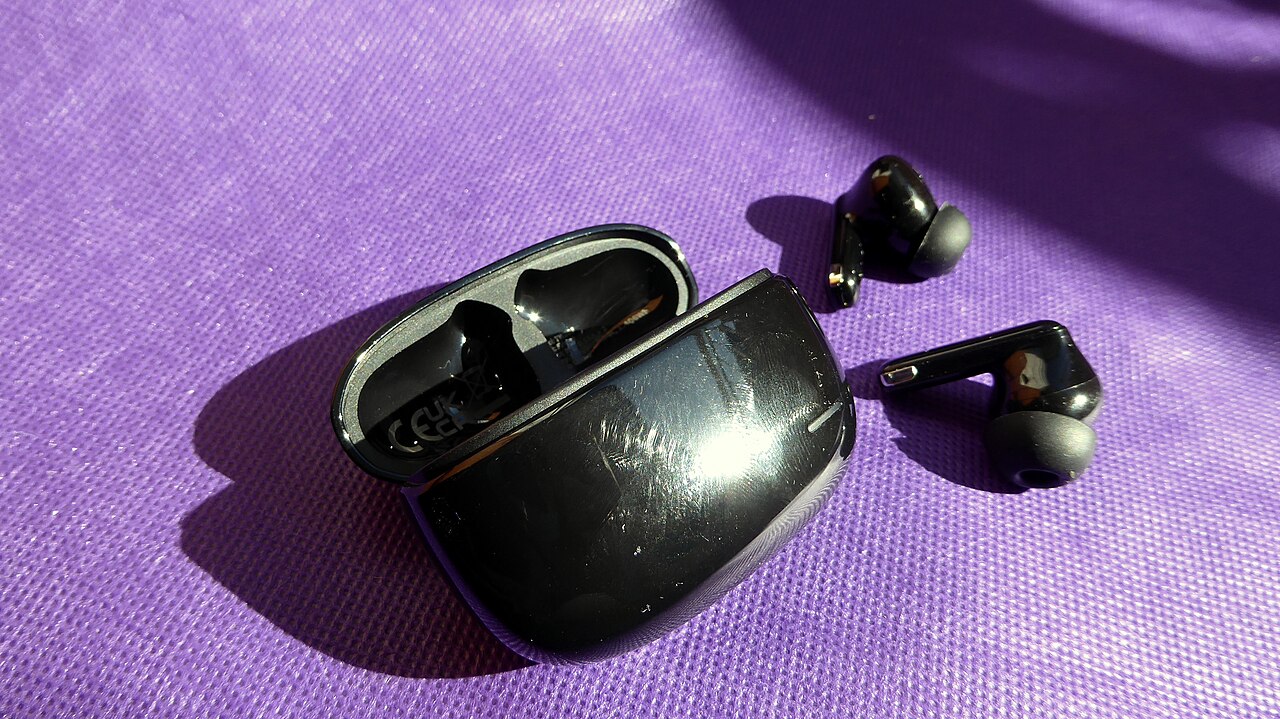
Bluetooth headphones recording latency is easy to misdiagnose. The vocal looks late against the grid, so the obvious fix seems to be dragging it earlier. One FL Studio user described this habit in a community post. They sing over Bluetooth headphones and shift every take by hand to make up for the delay they perceive [R1]. That post is a single first-person anecdote, not verified technical evidence, but it shows clearly how the issue appears in a home studio.
Hand-nudging has two weaknesses. Each take gets a slightly different correction chosen by eye or ear, so the timing of a comp can wander from clip to clip. The bigger weakness is that the nudge only changes the file. Whatever delay existed in your headphones while you sang was still there during the performance. Nothing in the edit window can reach back and change it.
- Symptom: takes land behind the grid
- Likely contributor: the backing track reached your ears late
- Common workaround: per-take nudging, which is slow and inconsistent
Three Delays That Get Confused
It helps to split the problem into three parts. The first is a constant placement offset. If the backing track always reaches you late by the same amount, you will probably lock to that late beat consistently. Your phrasing relative to the music can still be sound, and shifting the whole take earlier by the correct, measured amount may put it back in place. In that narrow case, moving the take is a reasonable repair, provided the amount is measured rather than guessed.
The second is variable delay. If the lag changes between passes or within a session, no single shift will be correct, and per-take guessing becomes unavoidable. The third is delayed self-monitoring. If you hear your own live voice through software monitoring and Bluetooth, your voice reaches your ears late, which many performers find distracting. A file shift cannot change that experience. These are different problems, and only the first is reliably fixable in the edit window.
- Constant offset: may be corrected with one measured shift
- Variable offset: no fixed shift will be right
- Late self-monitoring: affects the performance, not just the file
Where Bluetooth Delay Comes From
Ableton's support article on Bluetooth headphones and its Note app says wireless transport and decoding add delay to what you hear. It recommends wired headphones to avoid that added delay [S1]. In plain terms, audio has to be prepared for wireless transmission, sent, received and decoded before it reaches the drivers. That time sits on top of everything else in the chain.
Focusrite describes monitoring latency as coming from several contributors: software, plugins, hardware and buffers [S2]. Bluetooth is one more layer on that stack. Lowering the buffer or bypassing heavy plugins may trim the computer-side portion. It cannot remove the wireless portion, which happens after audio leaves the computer. Your DAW's latency compensation also cannot automatically know what a headset adds on its own.
Run a Wired Control Session
Before changing settings, set a baseline. Plug wired headphones into your audio interface and record a short passage over a familiar backing track. Then record the same passage while monitoring through Bluetooth, keeping the project, buffer and microphone unchanged. The two takes now differ mainly in the monitoring path.
Treat this as a usability comparison, not a measurement. Human timing naturally varies from take to take, so a singer's takes cannot tell you the exact system delay. They can tell you which setup feels easier to perform on and which needs less editing. If the wired take feels and looks comfortable while the Bluetooth take keeps dragging, the monitoring path deserves suspicion. For actual numbers, use the loopback methods in the next section.
Measure Alignment With Loopback, Not Claps
A clap or a sung phrase measures your reaction as much as the system. For a meaningful figure, use a loopback test, which takes the human out of the loop. An electrical loopback routes a test click from an interface output back into an input with a short cable at low level. It shows whether your DAW places recorded audio correctly with ordinary wired monitoring. Many DAWs and interfaces document a procedure for this, sometimes with a built-in latency measurement tool, so follow your own manual rather than improvising.
An acoustic loopback checks the Bluetooth path itself. Play a click through the headphones at a modest volume with an earcup or earbud positioned near the microphone, record several passes, and compare where the recorded clicks land against the original. This approximates how late a cue reaches your ears. If the gaps differ noticeably between passes, a fixed offset will not be dependable. If they are steady, a measured correction may work, but the monitoring lag itself still exists.
- Electrical loopback: checks interface and DAW placement
- Acoustic loopback: estimates the headphone path delay
- Repeat each test several times and across sessions
- Keep volumes low to protect hearing and equipment
Hypothetical Worked Example
Hypothetical scenario, not a real case: a singer named Dana records verses with Bluetooth earbuds in a bedroom setup. Every take sits behind the beat, so Dana drags each clip earlier by eye. Some verses then feel rushed and others still feel late. Dana spends more time editing than singing and suspects the microphone.
Dana runs an electrical loopback using the DAW's documented procedure and finds wired placement is accurate. An acoustic loopback through the earbuds shows clicks landing late, by amounts that differ across passes. That explains why no single nudge worked. Dana switches to wired headphones plugged into the interface and turns on direct monitoring, which avoids the computer processing path for the live voice [S2]. The editing stops, and the earbuds become reference-listening gear.
Bluetooth Versus Purpose-Built Stage Wireless
Not every wireless system behaves the same way, so do not assume all of them share consumer Bluetooth's delay. Bluetooth headphones are generally built around convenience, battery life and everyday listening. Wireless in-ear monitor systems sold for live performance are a separate product category aimed at performers.
Still, do not treat any wireless product as tracking-ready without checking. Designs differ by model and setup. If you are considering a stage system for studio work, look for the manufacturer's published latency specification and ask exactly which part of the signal path it covers. Then confirm it yourself with an acoustic loopback before relying on it for sessions.
Red Flags and How to Verify Claims
Labels such as low latency mode or gaming mode may describe real improvements, but they do not prove a product suits recording. Be cautious with absolute promises, such as zero delay, when no measurement method or test conditions are published. A figure that leaves out the source device, codec or measurement points is hard to compare.
Community advice needs the same scrutiny. The take-shifting habit in the FL Studio thread [R1] shows what one person tried, not that the method is sound or common. Check claims against your own loopback results, the product documentation and support material from your DAW and interface makers.
- Ask what a latency figure measures and under what conditions
- Check whether a low latency mode requires specific devices or codecs
- Treat unqualified absolute claims as unverified
- Confirm offset settings in your DAW's official manual
Choosing a Tracking Setup and When to Escalate
For tracking, wired headphones connected to your interface are the dependable choice, consistent with Ableton's recommendation to avoid added wireless delay [S1]. Closed-back models are often chosen for vocals to limit bleed into the microphone, though comfort matters in long sessions. Use direct monitoring where available, and keep heavy processing off the input while recording, since plugins and buffers add to monitoring latency [S2].
Bluetooth still fits casual reference listening, checking a mix on consumer gear and reviewing demos away from the desk. Escalate if an electrical loopback shows misplaced recordings even with wired monitoring. Contact your interface maker about driver behavior, your DAW developer about recording offset settings, or a local studio technician who can examine the whole chain in person.
Your next steps
- Record a wired control take to compare usability before changing settings
- Run an electrical loopback test following your DAW or interface manual
- Run repeated acoustic loopback passes through the Bluetooth headphones at low volume
- Apply a fixed offset only if measured delays are consistent across passes and sessions
- Enable your interface's direct monitoring for the live input while tracking
- Lower buffer size and bypass heavy input plugins during takes
- Ask manufacturers what any published latency figure actually measures
- Keep Bluetooth headphones for reference listening and casual playback
Questions that come up next
Can I set a permanent recording offset for my Bluetooth headphones?
If repeated acoustic loopback tests show a steady delay, a measured offset may realign takes. It will not change the lag you hear while performing, and it becomes unreliable if the delay varies between passes or sessions. Measure across several sessions before trusting one number, and use wired monitoring when timing really matters.
Will lowering my buffer size fix Bluetooth vocal latency?
It may reduce the computer-side part of monitoring delay, which Focusrite lists alongside software, plugins and hardware as contributors. Bluetooth transport and decoding happen after audio leaves the computer, so buffer changes will not remove that portion. Wired headphones remove the wireless layer, which is why Ableton recommends them to avoid added delay.
Are wireless in-ear monitors the same as Bluetooth headphones?
Not necessarily. Purpose-built stage monitoring systems are designed for performers, and wireless systems do not all share the same delay. Still, do not assume any wireless product suits studio tracking. Check the published latency specification, ask what it measures, and confirm it with an acoustic loopback test before relying on it.
Sources & further reading
Community discussions identify lived problems; they do not establish technical or legal requirements. Primary references support the specific claims cited above.
- R1 / COMMUNITY DISCUSSIONAutomatically adjust vocals for latency? ↗
- S1 / PRIMARY REFERENCEAbleton: Bluetooth Headphones and Latency in Note ↗
- S2 / PRIMARY REFERENCEFocusrite: What is latency in audio? ↗


