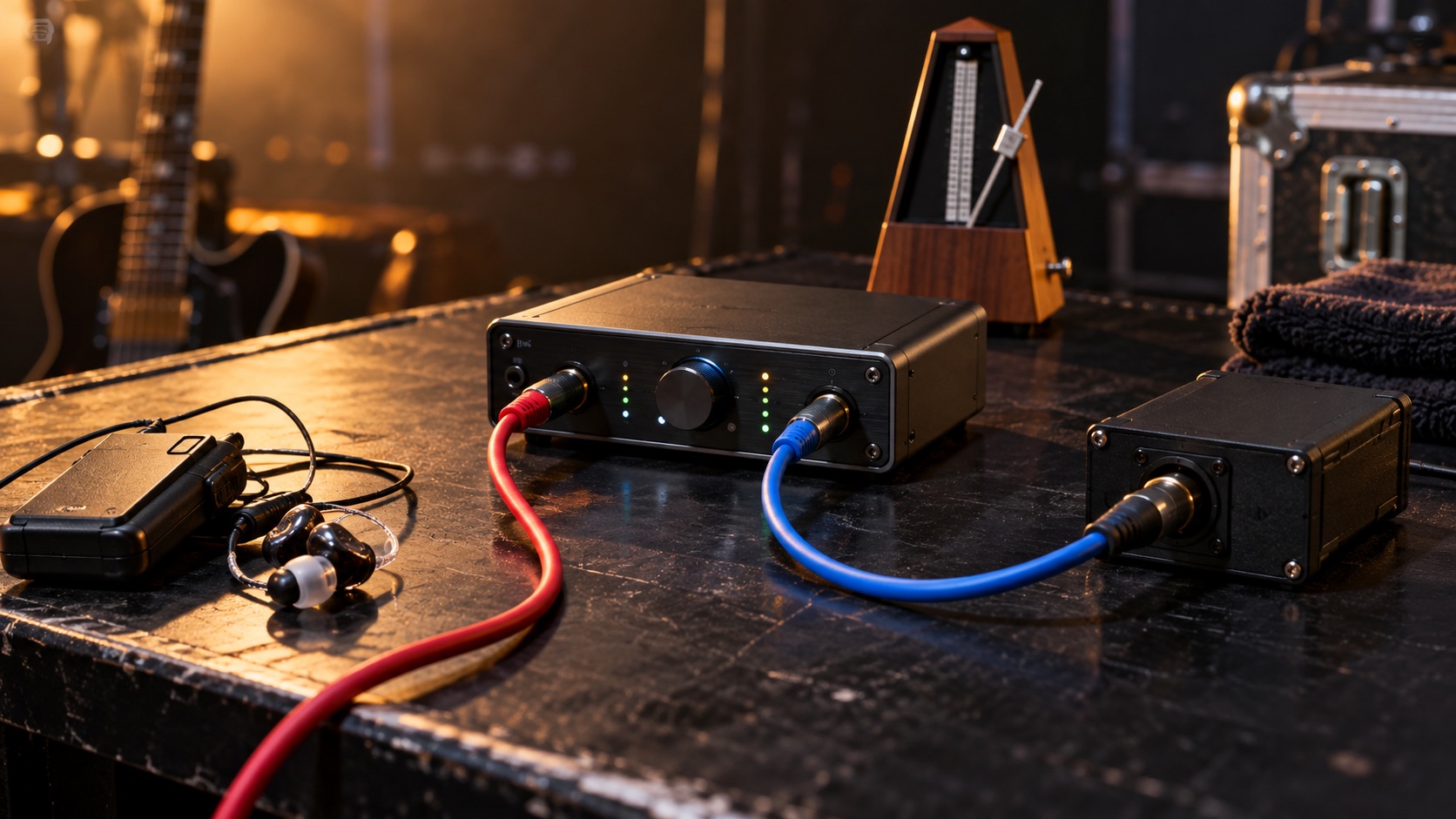
Why a playback crash is a band problem, not just a laptop problem
If your set depends on synth layers, vocal stacks or a click in everyone's ears, the playback computer has quietly become a band member. When it stops mid-song, the drummer loses tempo, the keyboard player loses half the arrangement, and the audience hears the gap. A live backing tracks backup system is less about buying a second machine and more about deciding what happens in the ten seconds after something goes wrong.
This question comes up often among working players. In one Reddit thread, a synth-heavy instrumental act asked how to make tracks and click as robust as possible, and the replies, as far as the available excerpt shows, pointed toward dedicated playback setups and spare devices [R1]. Those are individual anecdotes, not a measured standard, but they reflect a sensible instinct: plan for failure rather than hoping it never comes.
Map every failure point before buying anything
Most backing track playback failure does not come from one dramatic crash. It comes from a chain: a loose power lead, a sleeping drive, an interface that drops off the USB bus, a session that loads the wrong file, or an operator who pressed the space bar twice. Walk through your signal path from the wall socket to the front-of-house desk and write down every point where audio or click could stop.
For each item, note what the symptom looks like and who would notice first. A silent click might only be heard by the drummer, while a frozen application might be obvious to everyone. That list becomes the basis for your backup, because a second laptop does nothing if the real weakness is a single shared interface or one unlabeled cable.
- Power: venue outlets, power strips, laptop battery state and charger connections. Venue electrical concerns belong to venue staff or a qualified electrician, not the band.
- Storage: internal or external drives, available space, and whether media lives in one known folder.
- Interface: the audio device, its driver, its USB or Thunderbolt connection and its own power supply.
- Application: playback software version, plug-ins, crash behavior and auto-update settings.
- Cables: outputs to the stage box or DI, headphone feeds and any adapters.
- Operator: who presses play, who watches the screen, and what happens if that person is distracted.
Decide song by song: carry on or controlled stop
Not every song needs the same response. Some arrangements survive without tracks: the band can keep the groove, the singer carries the melody, and the audience may barely notice. Others are built around sequenced parts that no one on stage can replace, and pushing on will sound worse than stopping. Mark each song in your set list as either continue, continue thin, or stop and restart.
A controlled stop is not a failure if it is planned. A clean ending on a downbeat, a short spoken line, and a confident restart often land better than a band visibly falling apart while trying to find the tempo. Agree on the hand signal or cue word that means stop now, and make sure the drummer, who usually leads the ending, knows it cold.
A spare player is not the same as seamless redundancy
Bands often say they have a backup when they mean a second laptop in the case. That is a spare player: useful, but switching to it means stopping, re-patching or switching outputs, and restarting from a known point. A redundant playback rig, by contrast, runs two systems in sync so that an operator or a switching device can change sources with little or no interruption. The two approaches have very different costs, complexity and testing demands.
Dedicated playback hardware gets mentioned by community members as a robust option [R1], but dedicated hardware is not inherently fail-proof; it can still lose power, corrupt a card or be misconfigured. Do not promise yourselves, or a client, seamless switching unless you have tested compatible hardware with synchronized assets under show conditions. For many bands, a well-rehearsed manual restart is the honest and achievable goal.
Build identical assets and a fixed channel map
Your backup is only as good as its files. Export every song from the same master session at the same sample rate, with the same naming scheme and the same output assignments on both devices. If click lives on outputs 1 and 2, tracks on 3 and 4, and cues on 5 and 6 in the main rig, the spare must match exactly, or your monitor engineer will be chasing the wrong channels during a stressful moment.
If you use QLab, its documentation describes saving a workspace with copied media into a single project folder, which makes a portable package easier to move [S1]. The same documentation notes that fonts and AudioUnits are not copied and must be installed separately on the other machine [S1]. So copy the folder, then open it on the spare and confirm every cue, plug-in and file actually plays rather than assuming the transfer worked.
- Keep a written output map taped inside the rack or case.
- Use the same software version on both machines where possible, and confirm compatibility with the vendor.
- Store a dated copy of the exports on a separate drive.
Rehearse recovery cues and the first playable point
Reliable live click tracks matter most after something breaks. For each song, choose the exact point where you would restart: usually a chorus, a bridge or a clean section start with a count-in. Mark those points in your session so the operator can jump straight there, and note them on the set list so everyone on stage knows where the music resumes.
Then practice it. In rehearsal, have someone deliberately stop playback mid-verse. Time how long it takes to signal, stop, switch or reload, and restart from the marked point. The first attempts will be messy, which is the point; you want the awkwardness in a rehearsal room, not on a Saturday night. Repeat until the recovery feels routine.
Test the entire set offline with interruptions controlled
Run the whole set start to finish on each playback device, not just the opening song. Before you do, turn off wireless networking if your setup does not need it, disable notifications, pause automatic updates and set power management so the screen and drives do not sleep. Check your software and operating system documentation for how to do this on your specific machine.
Watch for problems that only appear over time: a file that fails late in the set, a drive that slows down, a battery warning, or a fan noise that bleeds into a quiet moment. Repeat the test after any software update, new plug-in or changed export. A system that worked last month is not proof it works today.
Document who owns playback and who talks to the room
Ambiguity costs time. Name one person as playback owner: they start songs, watch the screen, and make the call to switch devices. Name a second person, usually the frontperson, to address the audience during recovery. Those roles should not overlap, because the person fixing the problem should not also be trying to tell a joke.
Write the plan on one page: the device order, output map, restart points, stop signal and who says what. Share it with any engineer or stand-in player. A short line ready to go, something honest and calm, keeps the room with you while the operator works.
Hypothetical worked example
This is an invented scenario for illustration. A four-piece plays a 45-minute set with tracks and click from a laptop. During song six, the application freezes in the second verse. The keyboard player, who owns playback, raises a closed fist, the agreed stop signal. The drummer ends the phrase on the next downbeat. The singer steps up and tells the crowd they are swapping machines.
The keyboard player switches the stage feed to the spare laptop, which already has the identical set loaded with the same channel map, selects the marked restart at the second chorus, and gives a four-count. Total gap: roughly half a minute, because they had rehearsed it. Had song six been on their continue-thin list, they would simply have played on and swapped devices between songs.
Red flags, verification and when to escalate
Be skeptical of any product or seller promising zero-downtime switching without explaining what hardware, sync method and assets that requires. Ask for documentation, confirm compatibility with your exact interface and software versions, and test before relying on it at a gig. Likewise, if a backup package was copied but never opened on the second machine, treat it as unverified; missing fonts or AudioUnits are a documented example of what may not travel with a QLab workspace [S1].
Escalate when the problem goes beyond your rig. Repeated power drops or anything electrical at a venue should go to venue management and a qualified electrician. Persistent crashes deserve a support ticket with the software vendor or interface maker. Larger productions with contractual obligations may justify hiring a playback specialist to design and test genuinely redundant systems.
Your next steps
- List every failure point from wall power to the front-of-house desk and note its symptom.
- Mark each song as continue, continue thin, or stop and restart.
- Export all songs with identical names, sample rates and output assignments for both devices.
- Open the backup package on the spare machine and confirm every cue, plug-in and font works.
- Mark a restart point with a count-in for every song.
- Rehearse a deliberate mid-song failure until recovery feels routine.
- Run the full set offline on each device with notifications, updates and sleep disabled.
- Write a one-page plan naming the playback owner and the person who addresses the audience.
Questions that come up next
Is a second laptop enough as a backup?
It can be, if it carries identical exports, the same channel map and the same software setup, and if you have rehearsed switching to it. Expect a short stop and restart rather than an invisible changeover. Without testing on that exact machine, a second laptop is only a hopeful spare, not a working fallback.
Does dedicated playback hardware remove the risk of failure?
No. Community members recommend dedicated players for robustness, but any device can lose power, suffer a storage fault or be misconfigured. Dedicated hardware may reduce some risks, such as background computer processes, while keeping others. Plan recovery steps for it exactly as you would for a laptop, and verify its features directly with the manufacturer.
Should we keep playing if the tracks stop?
It depends on the song. Decide in advance which arrangements survive without tracks and which collapse. For songs that hold up, keep going and switch devices afterward. For songs built on sequenced parts, a clean planned stop and confident restart from a marked section usually sounds far better than pushing through.
Sources & further reading
Community discussions identify lived problems; they do not establish technical or legal requirements. Primary references support the specific claims cited above.
- R1 / COMMUNITY DISCUSSIONWhat is the most robust system for backing tracks and a click track live? ↗
- S1 / PRIMARY REFERENCEQLab 5: Managing Workspaces ↗