The Problem: Louder Is Not the Same as Clearer
Most bands run into this at some point. The singer sounds fine during line check, then the drums and guitars come in and the lyrics blur into the middle of the sound. The natural reaction is to push the vocal fader. Sometimes that rescues a song. More often it starts a level race where everything gets louder and nothing gets clearer.
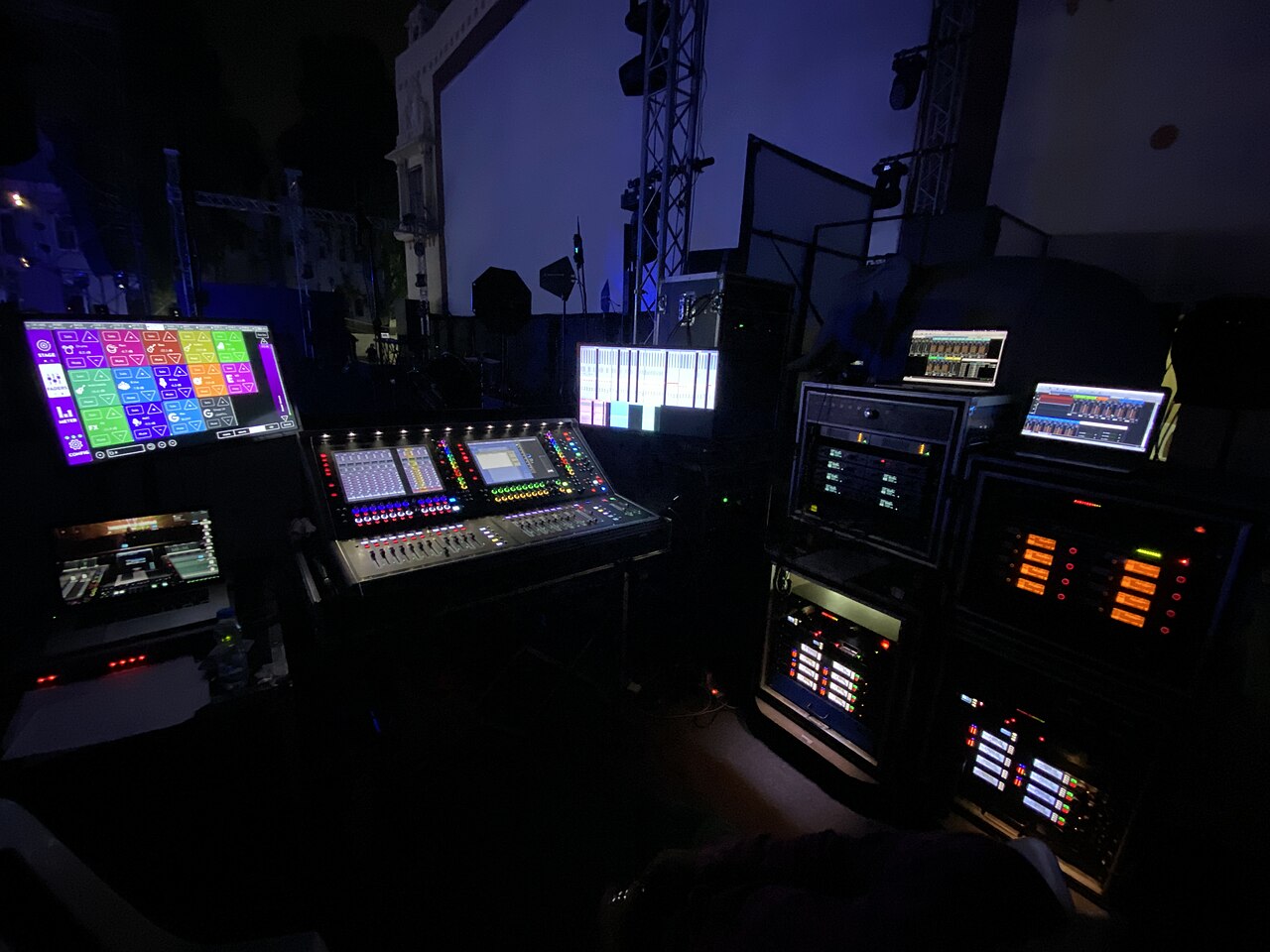
One community anecdote shows the trap. On Reddit, an engineer mixing an outdoor courtyard show said that raising the vocal level made the voice fight the instruments instead of becoming clearer [R1]. That is one person's experience at one show, not a rule, but it fits a useful way to think about the problem: intelligibility depends on space and contrast, not only volume. Turning up also has a ceiling. Shure's feedback guidance notes that system gain, placement and microphone handling all affect feedback [S1], so a vocal pushed harder moves closer to ringing.
Compare What the Mic, the Monitors and the Audience Hear
Before changing anything, find out where clarity is lost. Start at the microphone: solo the vocal channel in headphones and ask whether the voice is clear at the source or already smeared with cymbals, amp bleed and room sound. Next, check the monitor position. A singer who cannot hear themselves may sing harder, drift off the mic or lose pitch, and each of those habits hurts intelligibility out front. Finally, listen in the audience area, which is what actually counts.
Each failure point suggests a different direction. A muddy headphone solo points to technique, placement or bleed. A clean solo that vanishes in the full mix points to masking or arrangement. A good desk mix that falls apart in the crowd points toward the system, stage volume or the room. Noting which position fails first keeps you from turning random knobs.
Start at the Source: Articulation, Distance and Cupping
Processing cannot add consonants that were never captured. Listen for whether the singer is clearly forming the sounds at the start and end of words, since those carry much of the meaning. A short, respectful conversation about diction costs nothing and can help more than any plug-in.
Distance comes next. When a vocalist backs away from the mic, the engineer has to add gain, and that raises everything else the mic hears too. Shure lists placement and microphone handling among the factors affecting feedback [S1]. Cupping, where the singer wraps a hand around the grille, is a handling habit worth checking before you reach for EQ. Ask the singer to hold the handle, stay close and consistent, and keep the mic aimed at their mouth rather than at a wedge. None of this requires a new microphone; a pricier model will not correct poor distance or a covered grille.
Find the Masking Instruments and Make Room
Masking happens when another sound occupies the voice's range. Distorted rhythm guitars, keyboard pads, busy cymbal work and high bass lines are common suspects, but your band may differ. The simplest test is to mute instruments one at a time, in the house mix during rehearsal, while the singer performs a verse. When the words suddenly jump out, you have found the main competitor.
The best fixes are often musical. A guitarist can choose a different voicing or pull back during verses. A keyboardist can play thinner parts under the vocal. A drummer can favor a tighter hi-hat over washy crashes. If the arrangement cannot change, bring the competing instrument down slightly rather than pushing the vocal up. That creates space without raising overall level or feedback risk.
Clean Up Open Mics, Low-End Buildup and Effects
Every open microphone adds bleed and room sound. Backing vocal mics left on when nobody sings, spare channels and talkback mics all contribute to mud. Mute what is not in use, and keep singers from standing directly in front of loud amps. Low frequencies are the next suspect: stage rumble, bass spill and proximity effect can pile up beneath the vocal. A high-pass filter on vocal channels is a common starting point, but the right setting depends on the voice, mic and room. There is no universal number.
Effects can bury a voice as easily as instruments can. Long reverbs and dense delays fill the gaps between words, and those gaps help listeners follow lyrics. Try reducing the effect send noticeably for one song and listen for whether words become easier to catch.
Test Processing Safely in Rehearsal or Soundcheck
Compression and EQ set during soundcheck often stay on all night unquestioned. Heavy compression can flatten consonants, and stacked boosts can make a vocal harsh or prone to ring. Shure's feedback guidance notes that EQ has limits [S1], a reminder that it cannot rescue a poor source or poor gain structure. Comparing processed and unprocessed sound is useful, but it belongs in rehearsal or soundcheck, at reduced system level, not mid-show.
Prepare before the first comparison. Check where each monitor send taps the channel; if sends come after the processing, bypassing changes what the singer hears too, so warn them or temporarily lower those sends. Account for compressor makeup gain, because bypassing can cause an abrupt level jump or drop in mains and wedges; offset it so the comparison is level-matched before you switch. Leave any narrow cuts used for feedback control in place and compare only the tonal moves. If a setting sounds the same or worse, adjust or remove it in soundcheck. During a performance, make small, gradual changes instead of bypassing.
Walk the Room Instead of Trusting the Desk
The mix position is one seat out of many. At the desk you might hear balance while people near the stage hear mostly backline and drums, and the back hears a reverberant blur. Check at least three spots during soundcheck or the first song: near the stage, the middle, and the far edge or back. Outdoors, include off-axis areas.
If the vocal is clear in one place and buried in another, the cause may be speaker coverage, stage volume or reflections rather than channel settings. In small rooms, loud stage amps can overpower the PA in the front rows, and turning them down or angling them away from the audience may help more than anything at the console.
Hypothetical Worked Example
This is an invented scenario for illustration only. A five-piece band plays a bar room holding about 150 people. At rehearsal the singer is clear, but at the gig the lyrics vanish. The engineer's instinct is to push the vocal, and the wedge starts to ring, so they pull back instead.
At the next soundcheck, the engineer solos the vocal and hears heavy guitar bleed. The singer stands well back and cups the mic in choruses; after a quick word, they stay close and hold the handle. Muting instruments one at a time reveals a sustained keyboard pad covering the voice, so the keyboardist thins out the verses. Two unused backing mics get muted and the reverb send comes down. At reduced level, with monitor sends checked and makeup gain matched, a comparison shows the compressor squashing consonants, so its threshold is eased. A walk to the back confirms the words come through, with the vocal fader near where it started.
A Rehearsal Listening Checklist and Repeatable Changes
Clarity improves when it becomes a habit rather than a rescue. Pick one dense song as a test track for every rehearsal and soundcheck, and ask whether a listener could write down one verse's lyrics without guessing.
Limit each session to a few changes and note them. A fix you cannot repeat at the next venue has little value. Over time you build a short list of moves that suit this singer and this band, which matters more than any preset.
- Can the singer hear themselves without singing harder?
- Is the singer close, consistent and not cupping the grille?
- Which instrument, when muted, makes the words jump out?
- Are any unused mics still open?
- In a level-matched soundcheck comparison, does processing help?
Red Flags, Verification and When to Escalate
Be skeptical of single-fix promises: a universal vocal EQ curve, a magic compressor preset, or the claim that only an expensive microphone will work. Ask what specific problem a product solves and whether you can try it in your own setup. For feedback and microphone behavior, check the manufacturer's published guidance rather than forum claims or marketing copy.
Escalate when the problem survives the basics. If the vocal is clean at the source and at the desk but lost across large parts of the audience, system coverage or tuning may be the issue, and a qualified live sound engineer or system technician can assess it. Speaker rigging, flown gear and venue electrical capacity belong to qualified professionals and the venue's responsible staff, not band members on a ladder.
Your next steps
- Solo the vocal in headphones to judge clarity at the source.
- Confirm the singer can hear themselves in the monitors.
- Check mic distance, grip and cupping before reaching for EQ.
- Mute instruments one at a time in rehearsal to find the main masking source.
- Ask players for arrangement changes before raising vocal level.
- Mute unused mics and reduce effects sends.
- Compare processing only in soundcheck at reduced level, with makeup gain matched, monitor tap points checked and feedback-control cuts left in.
- Listen from at least three audience positions.
- Record the few changes that worked so you can repeat them.
Questions that come up next
Why can't I just turn the vocal up?
Pushing the vocal often makes it compete with the instruments rather than cut through, as one Reddit engineer described at an outdoor show [R1]. More gain also moves you closer to feedback, since system gain is among the factors Shure lists as affecting it [S1]. Making space for the voice usually works better than adding level.
Do I need a better microphone for clearer vocals?
Not as a first step. Distance, grip, cupping and articulation often matter more, and fixing them costs nothing. Check technique, masking, open mics and processing first. If the source is still poor after that, compare microphones in your own setup and verify performance claims against the manufacturer's published guidance.
Is there a standard EQ setting that fixes muddy live vocals?
No. The right filter and EQ choices depend on the singer, microphone, room and arrangement. Shure's feedback guidance notes that EQ has limits [S1]. Evaluate adjustments during soundcheck at reduced level, matching levels and leaving feedback-control cuts in place, then keep only what consistently improves intelligibility.
Sources & further reading
Community discussions identify lived problems; they do not establish technical or legal requirements. Primary references support the specific claims cited above.
- R1 / COMMUNITY DISCUSSIONTips for getting more clarity out of live vocals? ↗
- S1 / PRIMARY REFERENCEShure: How to Control Feedback in a Sound System ↗