Why an SM7B can still sound quiet with a booster in line
The Shure SM7B is a dynamic microphone, and Shure's user guide discusses its sensitivity together with placement and preamp gain, describing inline boost as an option when the available preamp lacks enough gain [S1]. That condition matters. A booster addresses one shortfall. It cannot fix poor placement, a damaged cable, an unpowered booster or software that lowers your level after the preamp.
In one Reddit thread, a streamer described an SM7B that stayed very quiet and hissed heavily despite a booster and high gain on a GoXLR [R1]. That is one person's anecdote, not a measurement or evidence of how often this happens. It does illustrate why a stacked hardware and software chain needs tests that separate each part. Without them, every new purchase is a guess.
- A booster adds gain before the preamp; it does not correct position or faults elsewhere.
- Treat forum fixes as leads to test, not proven diagnoses.
Step 1: Record a dry voice sample and a silent-room sample
Before changing settings, capture a baseline. Turn off every effect you can reach: noise gates, noise suppression, compressors, EQ and automatic level features in your interface software, streaming app and voice chat app. Record about thirty seconds of normal speech at your usual volume, then thirty seconds of silence while you sit still.
The voice take shows how much level the chain produces. The silent take shows the noise floor with nobody talking. Label each file with gain settings and booster status. Every later test should change only one variable, so you can say what made a difference instead of relying on memory.
- Use the same sentence and speaking volume for every take.
- Keep processing off until the hardware tests are finished.
Step 2: Confirm end-address placement and a practical distance
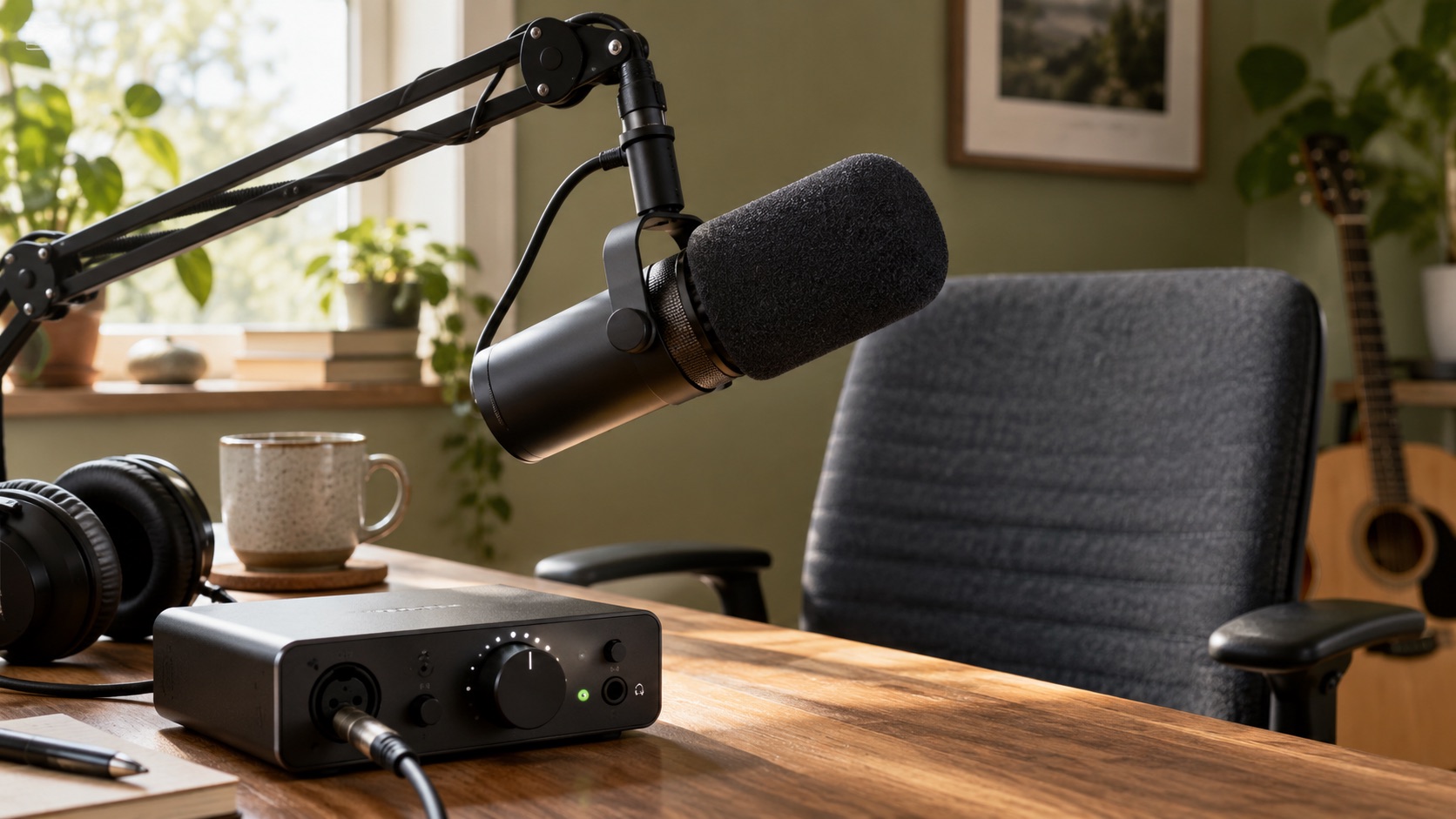
Shure's guide covers microphone placement [S1], and it is worth reading its diagrams before anything else. One possible error is speaking across the side of the body, as you might with a side-address condenser. The SM7B is normally addressed from its front end, through the windscreen. Talking across it can weaken your signal, and raising gain to compensate raises hiss too.
Distance matters as well. Level from a dynamic mic drops as you lean back, and it is easy to drift away during a long session. Settle on a comfortable close working distance, record a new dry take and compare it with your baseline. For exact distance suggestions and the effect of the mic's switches, rely on the Shure guide rather than numbers remembered from videos.
- Speak into the front end, not across the body.
- A boom arm that holds position keeps distance consistent.
Step 3: Inspect gain staging and software levels
Gain staging means setting each stage so it is neither starved nor clipping. Start at the preamp: raise interface or mixer gain while speaking at performance volume until the meter peaks comfortably below clipping. Then check the operating system input level, your recording or streaming app input, and any per-source sliders. One slider left near zero can make a healthy chain sound quiet.
Separate recording from monitoring. If a take only seems quiet in headphones, the issue may be monitor or output volume rather than input level, so judge from the recorded waveform or meter. Because the Reddit poster still struggled with a booster and high gain [R1], it is sensible to rule out every software stage before concluding the hardware lacks gain.
- Set hardware gain first, then software, then monitoring.
- Look for automatic gain or suppression features that cut level.
Step 4: Compare the signal with and without the booster
Before disconnecting or reconnecting anything, turn monitors and headphones down and follow the power-switching steps in your booster and interface manuals, since changing connections on a powered line can produce loud pops. Record your dry take with the booster, then connect the mic directly with the same cable. Adjust gain so the recorded voice peaks at the same level in both files, then compare the noise between words.
Matching recorded voice level is what makes the noise comparison fair. If the booster barely changes how much gain you need, it may be unpowered or connected incorrectly. If it clearly helps but hiss remains objectionable, look at the preamp, the room or a fault. If the direct connection is already usable, Shure's framing of inline boost as a remedy for insufficient preamp gain [S1] suggests that condition may not apply to you.
- Change only the booster; keep cable, settings and speaking volume identical.
- Note whether the gain you need, the noise, or both changed.
Step 5: Check booster power and cable requirements
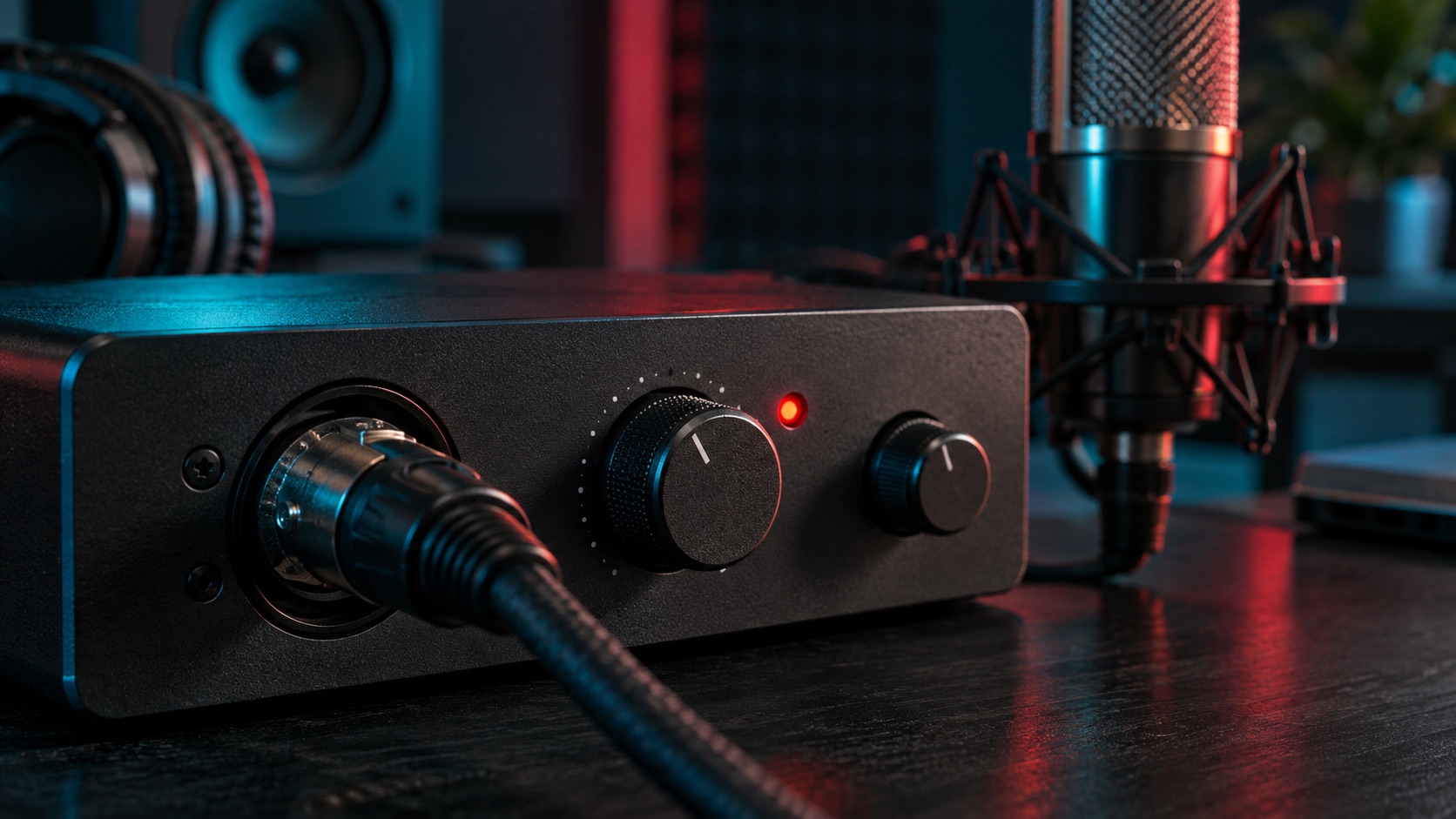
Shure describes phantom power as DC voltage carried over balanced microphone wiring, typically used to run condenser electronics, and the point is to check what the actual device requires [S2]. Do not assume your Cloudlifter's needs from a forum post or a different model. Find the manual for your exact model and confirm whether it needs phantom power and whether it passes or blocks phantom toward the microphone.
Then check your interface or mixer manual for how its phantom switch works and whether it covers one channel or several. Use known-good balanced XLR cables in the order the booster's maker specifies. Do not open the booster, interface or mic to inspect circuitry; internal diagnosis and repair belong to the manufacturer or an authorized service center.
- Confirm phantom power is on for the correct channel only if your booster's manual requires it.
- Verify power behavior with the model's own documentation, not secondhand advice.
Step 6: Separate preamp hiss, room noise and faulty hardware
First separate what the recording contains from what you hear in the room with your own ears. Sound reaching the SM7B acoustically, such as a fan, traffic or air handling, should vanish from the recording once that mic is disconnected, because the mic was its path in. If noise stays in the recording with the mic disconnected, suspect downstream electronics, a routing problem or another live input such as desktop audio, a webcam mic or a second open channel.
Make sure only the intended input is active before judging anything. An open, unplugged input is not a calibrated measure of preamp noise and can behave differently from a connected mic, so treat it as a rough clue. In connected silent takes, steady hiss that rises with the gain knob points to electronic noise from the preamp or booster, while crackle that changes when a cable moves suggests a connection fault. Swap one cable, input or borrowed dynamic mic at a time to see whether the problem follows a part.
- Noise gone when the mic is disconnected: likely acoustic room sound captured by the mic.
- Noise still recorded with the mic disconnected: check routing, other inputs and downstream gear.
- Intermittent crackle: cables or connectors.
Hypothetical worked example: a streamer chasing a quiet signal
This scenario is invented for illustration. Dana streams with an SM7B, an inline booster and a streaming mixer. Her voice is faint and hiss is loud. Her dry take peaks low even with gain high. She repositions the mic to speak into its end at a steady close distance, and her level improves but is still short of what she wants.
She lowers her headphones, follows the manuals' power steps, and records with and without the booster at matched voice level. The booster makes almost no difference. Her booster's manual says it needs phantom power, which she finds switched off on that mixer channel. With it enabled, she can lower mixer gain and the hiss drops. A faint fan sound in her silent take disappears when the mic is disconnected, so it was acoustic; she moves the mic away from her computer. No new hardware was needed.
Red flags, misleading fixes and when to escalate
Be wary of claims that every SM7B needs a particular booster, since Shure ties inline boost to preamps lacking sufficient gain [S1]. Treat copied compressor or gate recipes cautiously: processing can make a signal seem louder or hide hiss, but it does not fix a weak source and can add pumping. For used gear, ask the manufacturer or retailer how to verify authenticity, and be cautious of listings without documentation or proof the unit works.
Escalate when tests point to hardware. If a problem follows the mic across cables and inputs, contact Shure support or your retailer about warranty options. If the booster shows no change with correct power and cabling, contact its maker. If the interface fails to supply phantom power or has a noisy input, contact the interface maker. Your labeled test files make those conversations faster.
- Claims that one booster suits every setup.
- Processing recipes sold as a cure for weak signal.
Your next steps
- Turn off all processing and record a dry voice take and a silent-room take as your baseline.
- Speak into the end of the SM7B at a close, consistent distance and re-record.
- Set hardware gain first, then check every software input and volume slider.
- Lower monitoring and follow the manuals' power-switching steps before changing any connection.
- Record with and without the booster at matched recorded voice level and compare the noise.
- Check your exact Cloudlifter model's manual for its phantom power requirement and whether it passes phantom to the mic.
- Confirm only the intended input is active, then classify remaining noise as acoustic, electronic or connection-related.
- Contact Shure, the booster maker or your interface maker with your test files if a part appears faulty.
Questions that come up next
Does every SM7B need a Cloudlifter or similar booster?
No. Shure's guide presents inline boost as an option when the available preamp lacks sufficient gain. Whether you need one depends on your interface or mixer, placement and speaking volume. Compare recordings with and without the booster at matched voice level in your own setup before deciding, rather than following blanket advice from forums or sellers.
Why do I hear so much hiss when I turn up the gain?
High gain amplifies electronic noise in the chain along with your voice. If the signal is weak because of poor placement, software levels or an unpowered booster, you end up adding lots of gain and hearing more hiss. Fix placement and confirm booster power first, then re-check how much gain you actually need.
Can software processing fix a quiet SM7B?
Processing can raise apparent loudness or mask some hiss, but it cannot replace a strong, clean signal at the source. Copied compressor or gate settings may also add artifacts. Solve placement, gain staging, power and cabling first, then add processing carefully and judge the result against your dry baseline recordings.
Sources & further reading
Community discussions identify lived problems; they do not establish technical or legal requirements. Primary references support the specific claims cited above.
- R1 / COMMUNITY DISCUSSIONSM7B super quiet with cloudlifter and GOXLR ↗
- S1 / PRIMARY REFERENCEShure SM7B User Guide ↗
- S2 / PRIMARY REFERENCEShure: What is Phantom Power? ↗